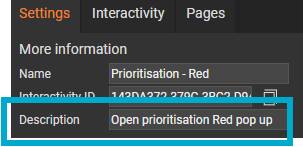
Adding a description to interactive modules ensures that screen readers can convey its purpose to visitors using assistive technology, making it clear what the module does, how it should be used, and why it is relevant in the context of the page.
- Select a module on the page.
- Enter a short description into the 'Description' field.
Interactivity linked to a List panel
If interactivity is linked to a List panel, screen readers will announce the button text rather than the Description field. This is expected, because the button text is what represents the interactivity to the reader.
Ensure button text clearly tells all readers what to expect, for example, ‘Read more about the annual leave policy’.
Poll and Assessment modules
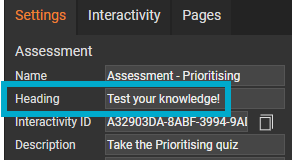
Poll and Assessment modules include a ‘Heading’ field, which is the text shown to visitors when the module is displayed - for example, ‘Test Your Knowledge!’ or ‘Take the poll’.