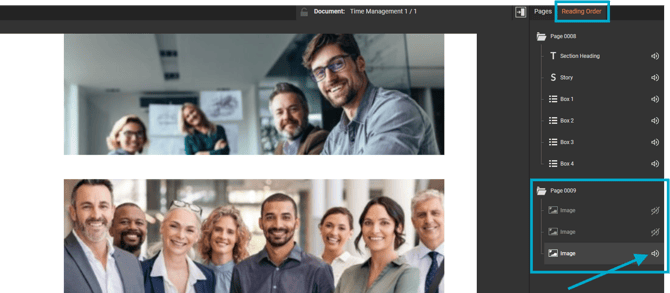
If an image is purely decorative, such as a background image, spacer, or divider, it can be hidden from screen readers to avoid unnecessary clutter.
Ensures that visitors using assistive technology are only presented with content that's relevant and meaningful.
- Select the 'Accessibility' tab.
- Select the 'Reading Order' palette.
- Select the sound icon to toggle between shown and hidden.