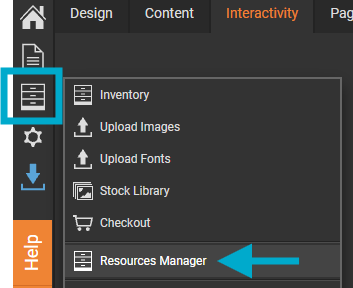
- Open the Resources Manager.
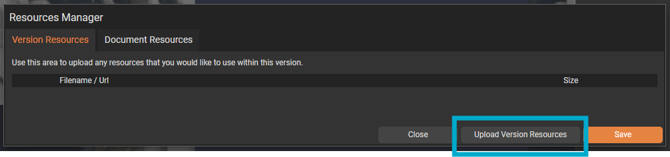
- Upload the video file.
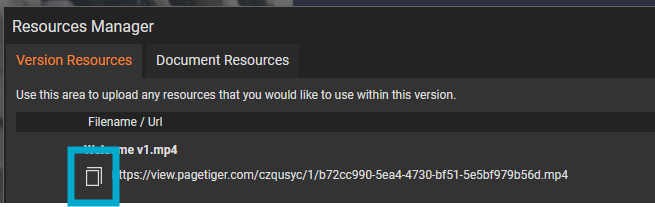
- Copy the link to the resource using the small copy icon.
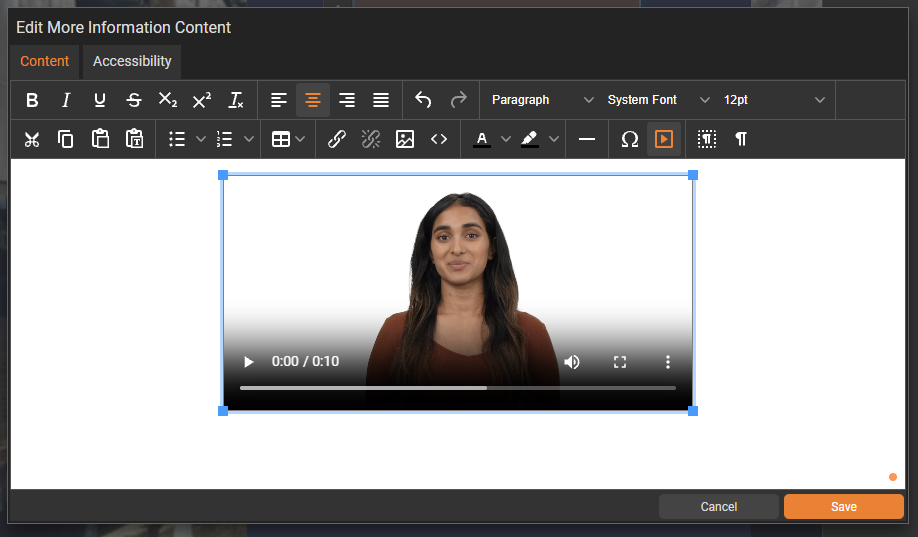
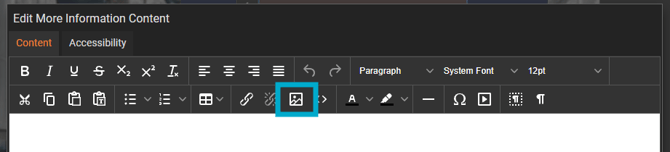
- Open the 'More Information' module and select the video icon.
- Then paste the resource link into the 'Source' field.
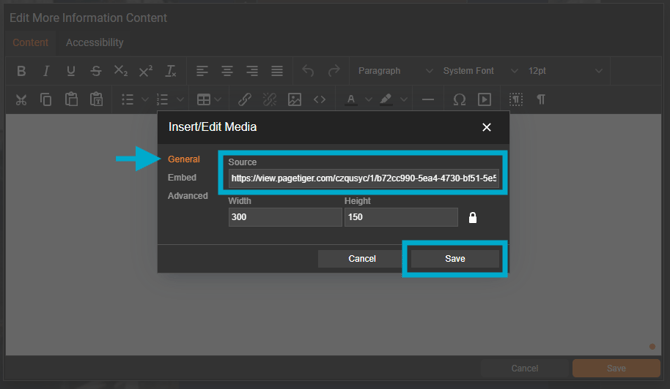
- The video will then display in the pop-up: