
This happens when the image you're trying to use is no longer available in Getty's stock library. Getty may have removed the image from their catalogue, meaning it can no longer be used. This is outside of our control, as it depends on what images Getty currently has available.
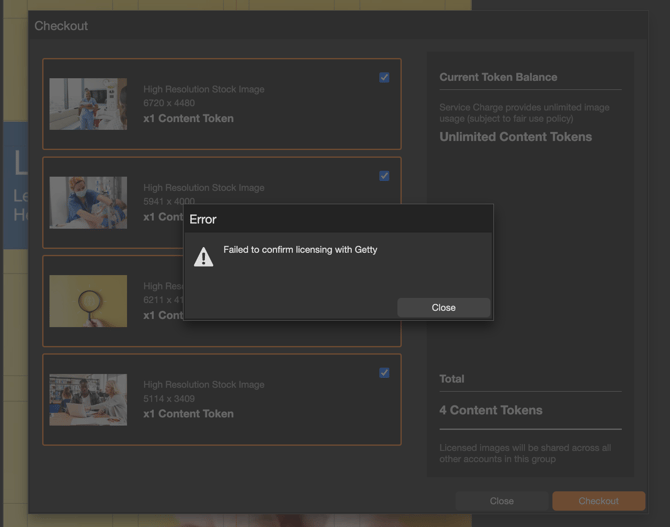
How can I fix this?
- Remove the image from your content.
- Replace it with another image that is currently available in Getty's library.
It may become available again if Getty re-uploads it under a different image number. If you'd like to check, try searching Getty again using the image's description rather than its original number - it may reappear as a new listing.
How do I find out which image is causing the issue?
The error message doesn't specify which image is no longer available. If you're checking out multiple images at once and aren't sure which one is causing the problem, best practice is to:
- Untick all of the images.
- Tick them one at a time and check out individually.
- Repeat this until you find the image that fails to check out.
This will help you narrow down exactly which image needs to be replaced.