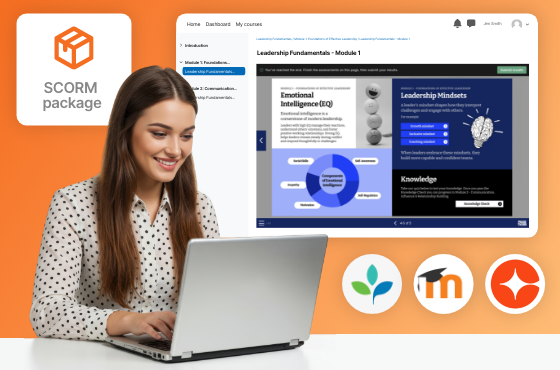
Launch PageTiger learning seamlessly, inside your LMS.
Your content stays hosted in PageTiger and always displays the latest published version when learners launch it.
- Supports SCORM 1.2 and 2004.
- Displays the latest published version automatically.
- Tracks results within your LMS
Why Dynamic SCORM
Smarter updates
Publish changes in PageTiger once and learners always see the latest version, no constant re-uploading every time there’s changes.
Reliable tracking
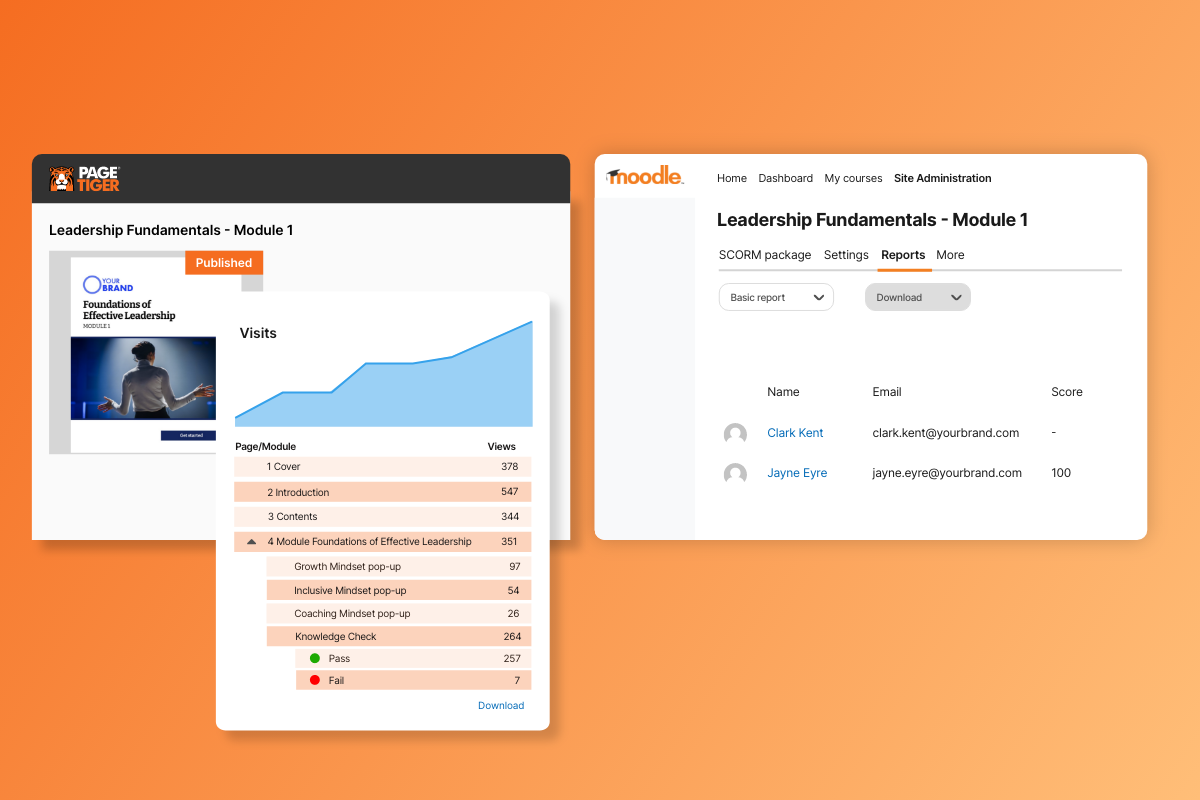
Key tracking including page views and assessment scores is stored in your LMS, while analytics are still captured in PageTiger.
Consistent experience
Deliver interactive PageTiger learning through the LMS learners already use.
How it works
Whether you're training a global workforce or communicating with your team, customers or prospects, PageTiger enables you to create interactive content and documents that boost engagement and deliver results.
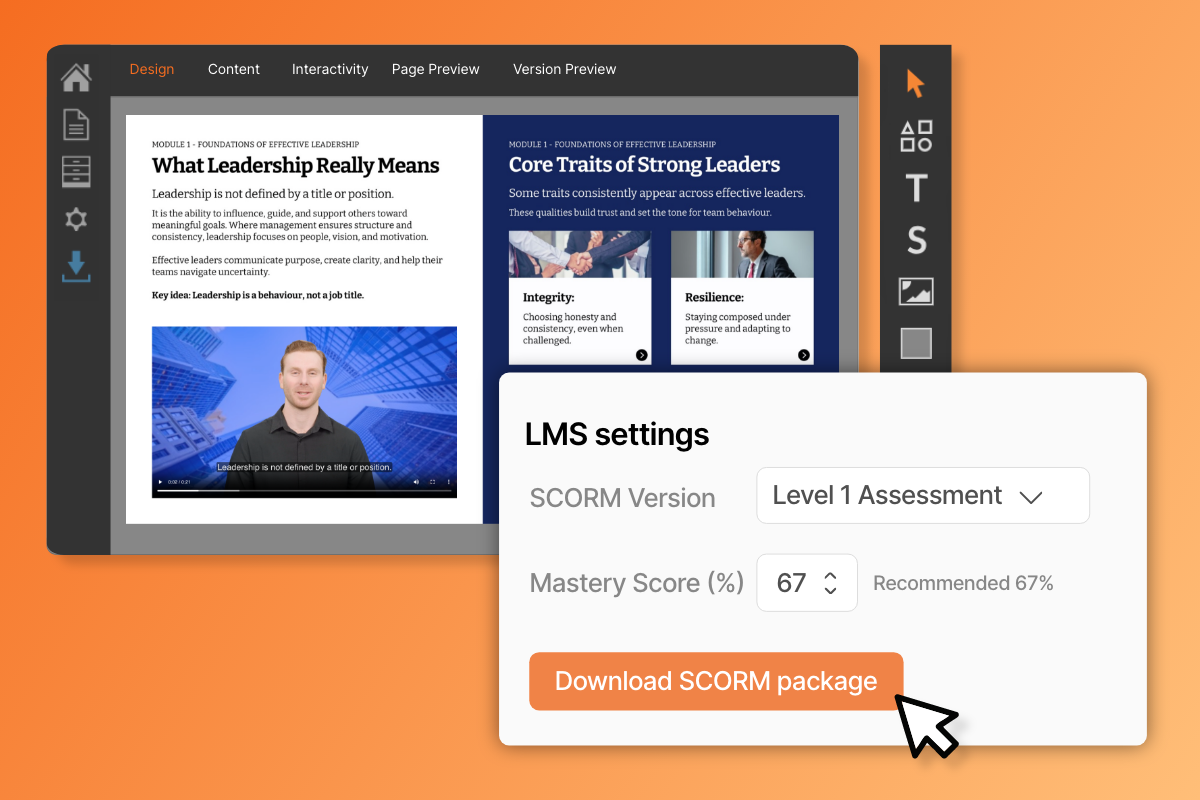
Generate the SCORM package
Choose from 1.2 or 2004, set your completion requirements, and download the file.
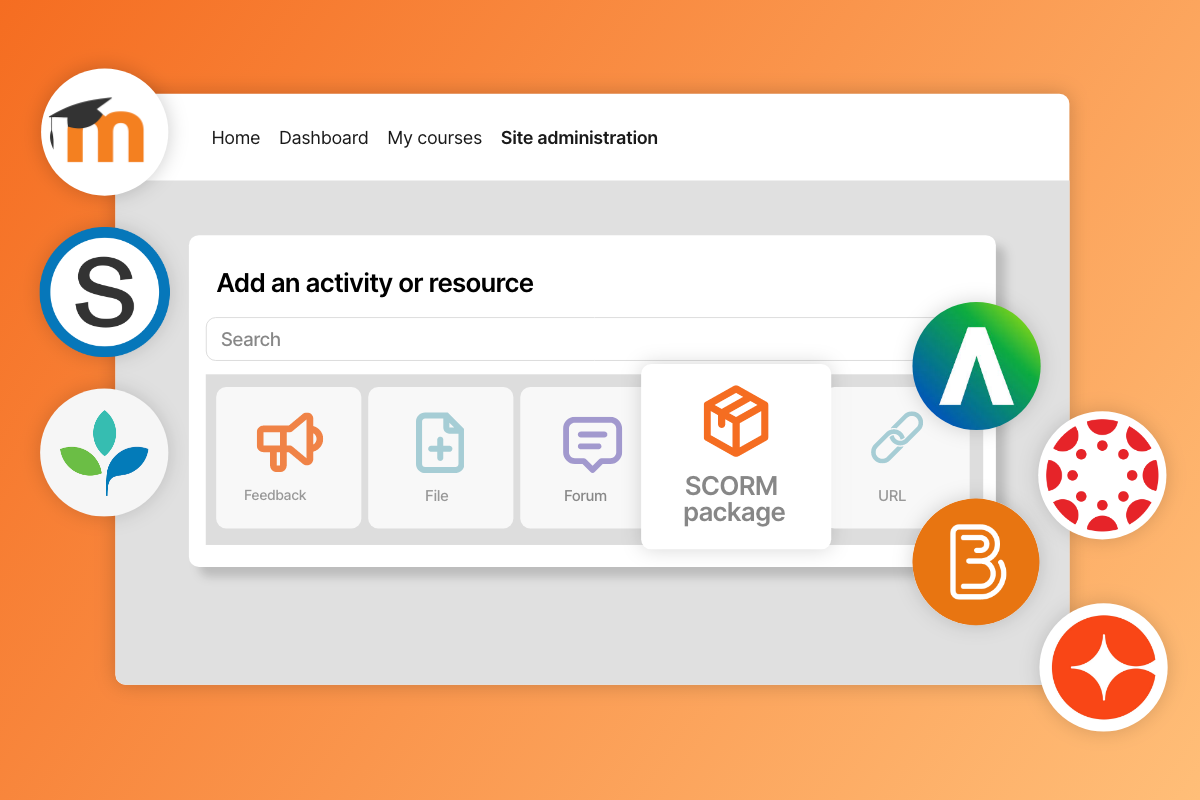
Upload to your LMS
Simply upload the Dynamic SCORM package into your LMS.
Distribute to your learners
Learners can now complete their learning journeys through interactive PageTiger content, displayed in your LMS.
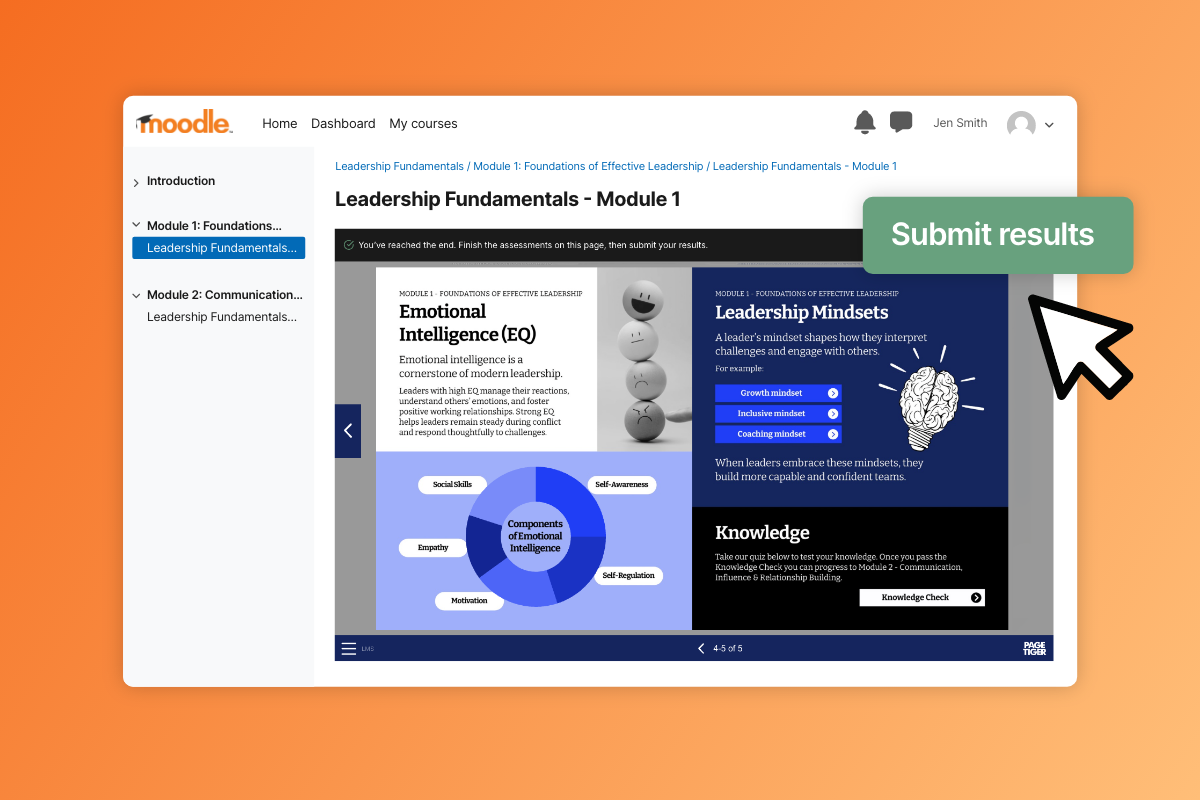
Track results and update your content
Track the results in your LMS analytics and make changes that update instantly.
Why Dynamic SCORM works for L&D leaders
Continue to deliver learning through your LMS but use PageTiger to deliver more engaging, interactive experiences for learners.
Updates to training is quick and simple. Learners always access the latest version, and outdated content doesn’t circulate.
Store results in your LMS, whilst still using PageTiger analytics for deeper insights.
Need clarification?
What is Dynamic SCORM?
Dynamic SCORM is a package that tells your LMS to display a PageTiger document commonly via an iFrame. It will always display the latest published version of your learning content, meaning changes and updates require very little admin.
How is Dynamic SCORM different from static SCORM?
Static SCORM launches a fixed version of your content inside the LMS, so edits often require re-exporting and re-uploading. Whereas Dynamic SCORM always displays the latest version of your content, reducing repeated re-uploads when your content changes.
Do I need to re-upload the SCORM package every time I update content?
No. Our SCORM package is dynamic and always serves the latest published version in a document. The updates are in real-time, so you won't need to re-generate a new file. Instead, make sure you follow best practice and create a new version of your document when you need to make changes.
What tracking data will my LMS receive with PageTiger Dynamic SCORM?
With PageTiger Dynamic SCORM, your LMS receives basic tracking including page views and assessments scores. This is tracked in PageTiger and also passed to your LMS to keep reporting centralised.
Does PageTiger Dynamic SCORM support SCORM 1.2 and SCORM 2004?
Yes. PageTiger supports both SCORM 1.2 and 2004. SCORM 1.2 is the current standard, but we always recommend checking which specification your LMS requires.
Do I need assessments for Dynamic SCORM to work?
No, assessments are optional. Dynamic SCORM can still track completion without an assessment. If your learning content doesn’t contain any assessments, simply leave the mastery score blank and completion will be marked when the learner reaches the final page.
Is Dynamic SCORM secure?
PageTiger content delivered via Dynamic SCORM will not automatically be secure. It does not support Single Sign-On (SSO), we recommend securing your document with either password protection or reader login. If you require stronger security, LTI 1.3 configuration may be better suited.
Turn LMS content into learning experiences people actually finish.
See how Dynamic SCORM helps you package PageTiger learning for your LMS, reduce admin, and track outcomes.