Badge Analytics bring together all badges created in your account and their reporting data in one place. View every badge in your account, see which document version has awarded it, who received it, and export the data as a spreadsheet for reporting.
-
One central view
See Badge activity across all your documents without checking each one individually. -
Flexible reporting
Filter by date range and download only the data you need. -
Easy exporting
Data downloads as a spreadsheet, ready to share or feed into your own reporting suite.
How to view badge analytics
-
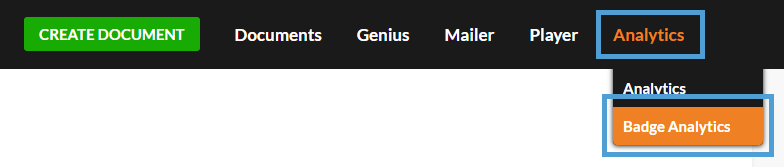
Select 'Analytics' from the main menu, followed by 'Badge Analytics'.
-
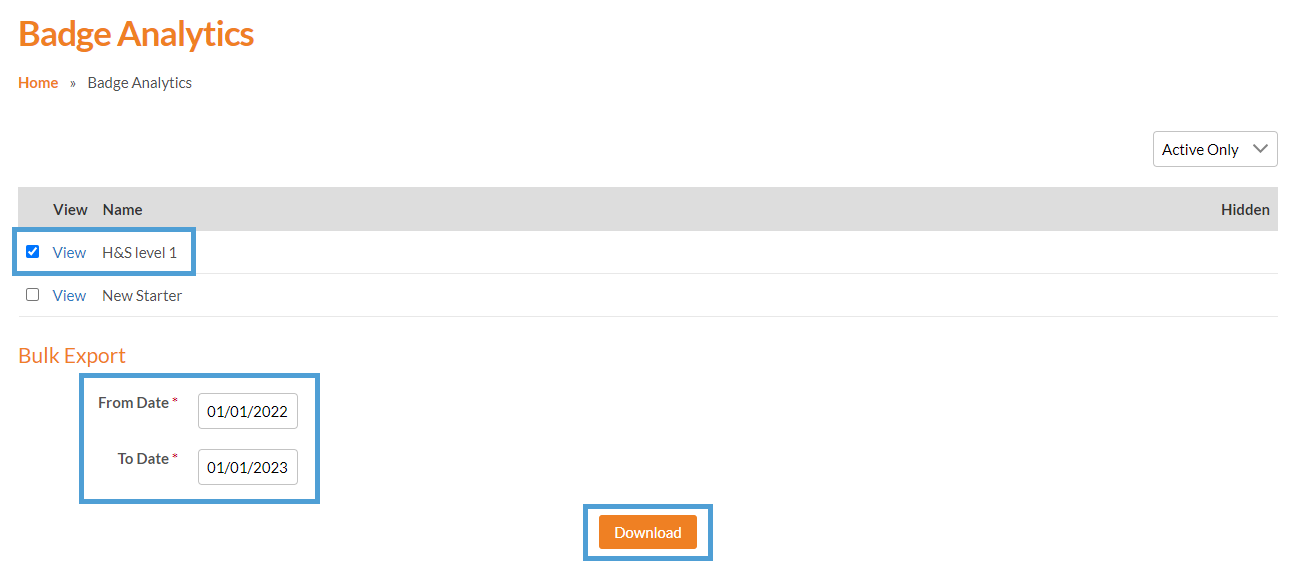
Tick the checkbox for each badge that you would like to download the analytics for.
-
Select a ‘From Date’ and ‘To Date’ for the period you want to cover.
-
Select the ‘Download’ button.
A spreadsheet will then download to your computer, listing the details of every badge that's been awarded.

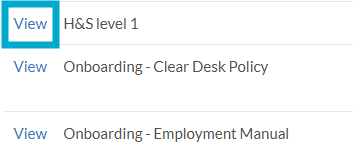
Select ‘View’ next to a badge to see which document version awarded it and who received it. This gives you a clear record of where the badge has been used and which visitors have earned it.