Automation allows interactivity to be triggered automatically, without the visitor needing to click or select anything on the page. While this can help create a more engaging document, it's essential to carefully consider how the experience will work for visitors using assistive technology.
Off-page interactivity
Off-page interactivity allows actions to be triggered without the visitor directly interacting with a visible element on the page. While this can create a seamless experience for most visitors, it can be disorienting for those using assistive technology, as the action may occur without any warning or explanation.
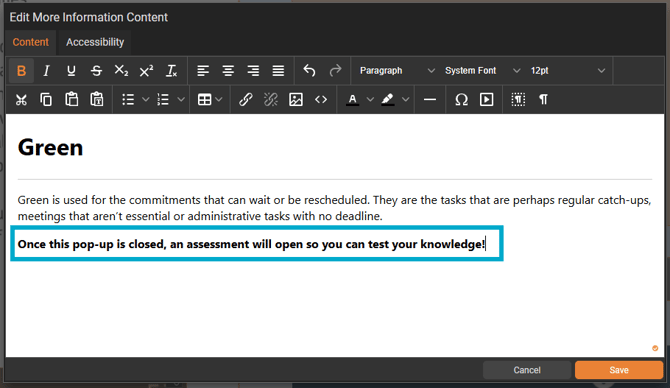
Consider adding text to a More Information pop-up to let visitors know what will happen next - for example, 'Once this pop-up is closed, an assessment will open so you can test your knowledge'
Time-based automation
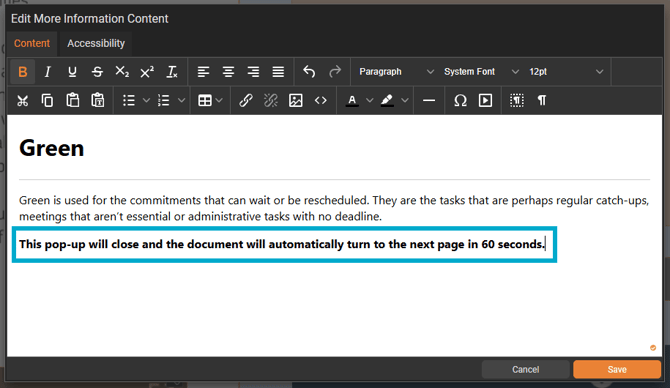
Triggering an action after a fixed period of time should be avoided wherever possible - visitors who read more slowly may not have finished engaging with the content before the action takes place, and those navigating by keyboard have no way to pause, postpone, or control when the action occurs.
Where time-based automation cannot be avoided, ensure the time interval is generous enough to accommodate a range of reading speeds, and consider adding a visible on-page prompt to let visitors know what is going to happen.