
Menus play an important role in making your document accessible to visitors who rely on keyboard navigation or assistive technologies. They can be navigated using keyboard shortcuts such as the Tab key, arrow keys, and Enter, allowing visitors who may have difficulty using a mouse to still move through your content with confidence and control.
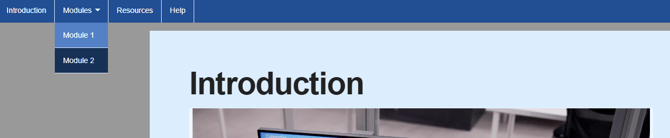
Clear labels helps screen readers announce options in a clear and user-friendly way, reduces cognitive load for visitors, and makes it easier for everyone to navigate
Ensure menu items are clearly labelled and logically organised, following a predictable structure such as “Introduction”, “Module 1”, “Resources”, and “Help”.
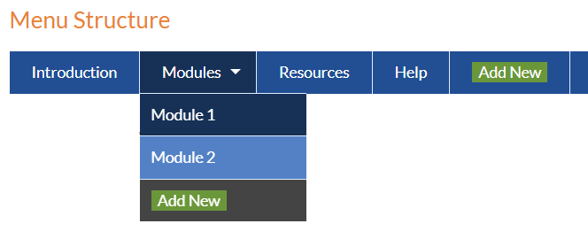
Read more about how to create a menu here.