
Yes! Audio can be added to a document using the 'Play Audio' module.
Adding audio can work well for leadership updates, spoken explanations, and supporting users who prefer listening to content rather than reading it.
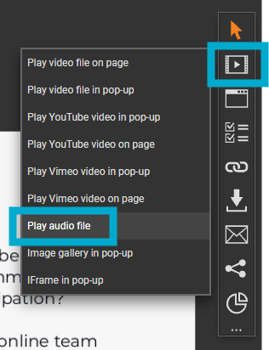
-
Upload MP3 audio files that you have the rights to use.
-
Include a short heading or description on the page to explain the purpose of the audio.
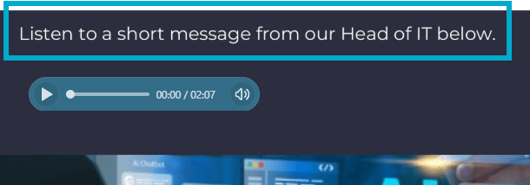
-
Upload a file directly to the module, or add multiple files to your Resources Manager for reuse across documents.
-
Customise playback with settings like Loop, Auto Play, Start Muted, Prevent Scrubbing, Prevent Download.
-
The player's style, shape, and position can also be customised to match your branding.
One tip worth flagging in the FAQ: don't position the audio module off-page, since visitors won't be able to see or control playback (pause, rewind, mute) if it's out of view.