
Yes - if your PageTiger document allows iFrame embedding, it can be embedded directly into Google Sites!
- Go to the site that you have created in Google Sites, and open the page you want to edit.
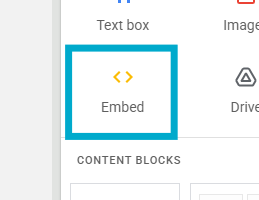
- Select the 'Embed' option.
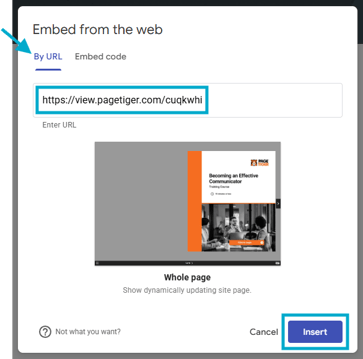
- Paste the URL of your PageTiger document into the 'Enter URL' field.
- Select the 'Insert' button.
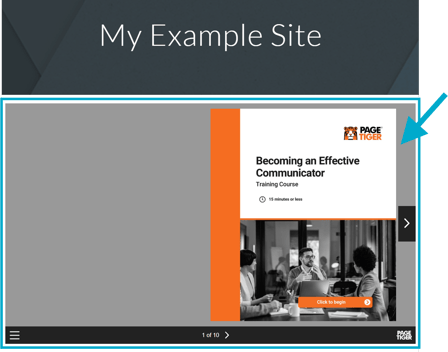
- You can then publish/save, and the document will appear directly on your page!
Don't forget to turn on the 'Enable IFrame' option for your document if you would like to share it on a specific website. The option can be found on the 'Details' section of a document and is a simple checkbox.
We're continually working to enhance our security standards and are currently in the process of migrating accounts to include this option. If you don’t see it available on your document but would like to enable it, please reach out to our support team.
If you encounter any issues using the Google Sites 'Embed from the web' option please refer to their help guide.