
Once a video module has been added to a page in your document, the ‘Edit Video Content’ modal will open automatically. From here, you can generate an AI video, upload a new video file or choose an existing one.
Upload a new video file
-
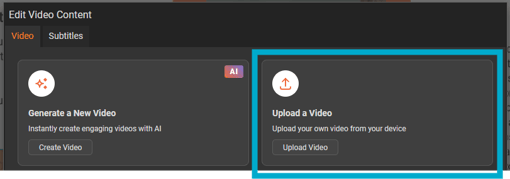
Select the 'Upload a Video' button.
-
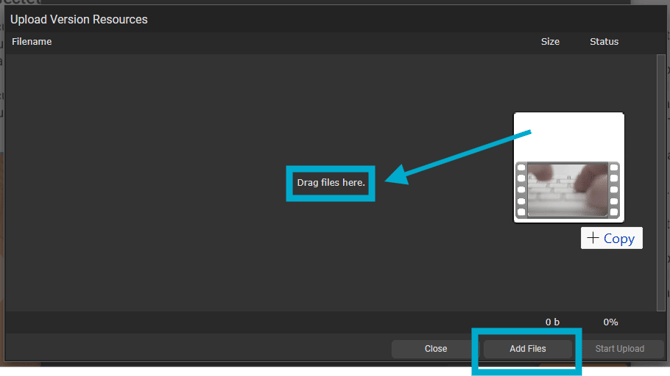
Drag and drop or select the 'Add Files' button.
-
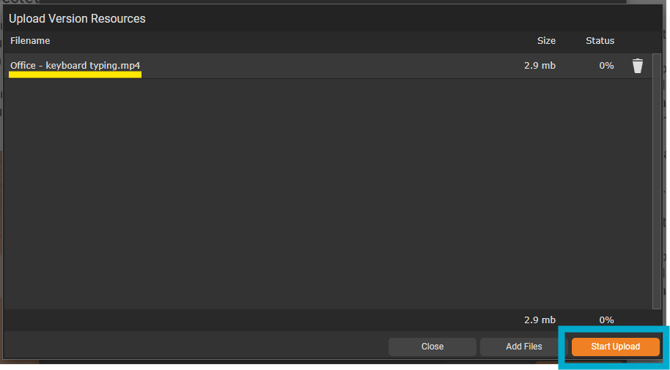
Select the 'Start Upload' button to begin uploading the file.
-
Once uploaded, the file will be available to select from the 'Select an existing video' drop-down list.