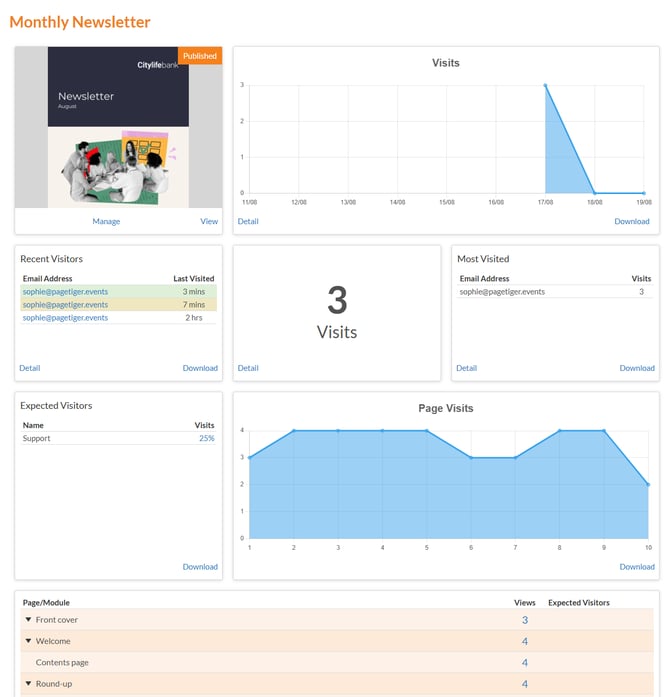
TigerMailer analytics show how many visits a document has received from a specific mailing, helping you understand how each send is performing. This makes it easier to compare mailings, spot which messages are generating the most engagement, and identify which versions of your content are attracting the most attention.
Viewing mailer analytics
-
Select 'Mailer' from the main menu, followed by 'Search'.
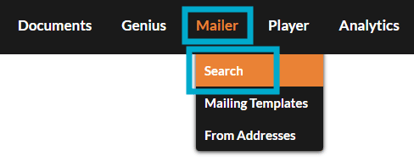
All mailings will be listed here, whether they have been sent, saved, or set as templates.
-
Locate the mailing you want to review.
-
Select 'Manage Mailing', followed by 'Analytics'.

-
The analytics page will open, showing a breakdown of reporting based on visits from the mailing.