





















Effortless, On‑Brand Translations for Global Communications
Scale your content for international impact with PageTiger, producing fast and accurate multilingual content in minutes.
Reach and connect with international teams, global customers, and new markets with PageTiger’s AI-Powered Translation Suite.
Create, translate and manage in one place.
Publish unlimited language versions.
No per‑translation fees


Unlock International Opportunities with Multi-lingual Content
Connect Globally. Communicate Seamlessly.
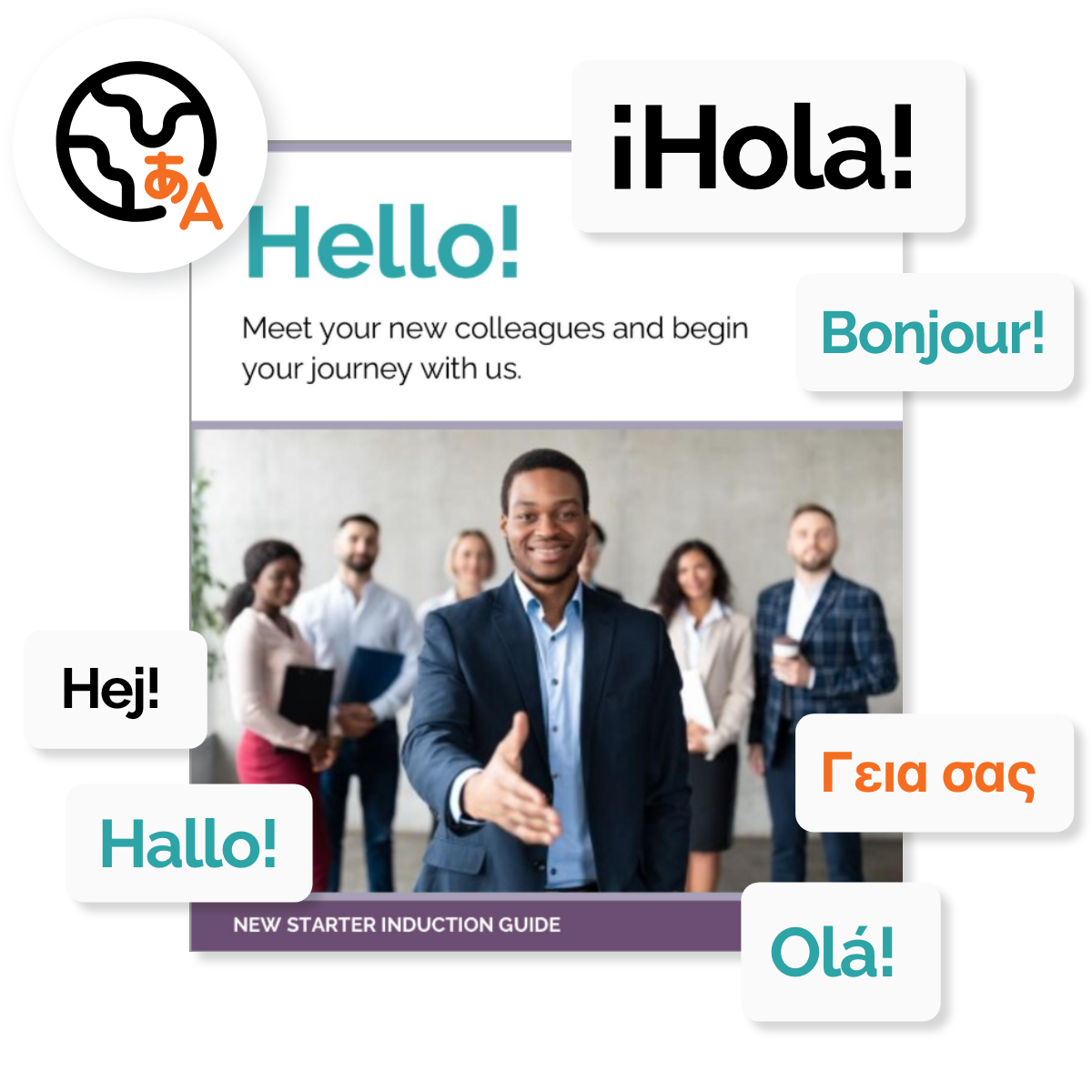
Multilingual communication helps you engage diverse audiences, deliver a better user experience, and build global brand trust. PageTiger puts powerful, AI‑driven translation at your fingertips - no complexity, no delay.
<-- See it in action
Build trust with international audiences while boosting your brand’s visibility and credibility worldwide.
Manage creation to distribution without leaving the platform - fewer steps, fewer errors.
Translations will not be applied only to written content in a document; they will also be applied to interactive elements and menus.
Translate AI Avatars
Add a translated script, and set the language and accent your presenter needs to talk in.
Effortlessly manage all language versions, with clear oversight and secure distribution so each audience gets the right content.
Translate with XLIFF
You have the option to use a third-party translation service or using XLIFF (XML Localization Interchange File Format) .
Seamless Navigation
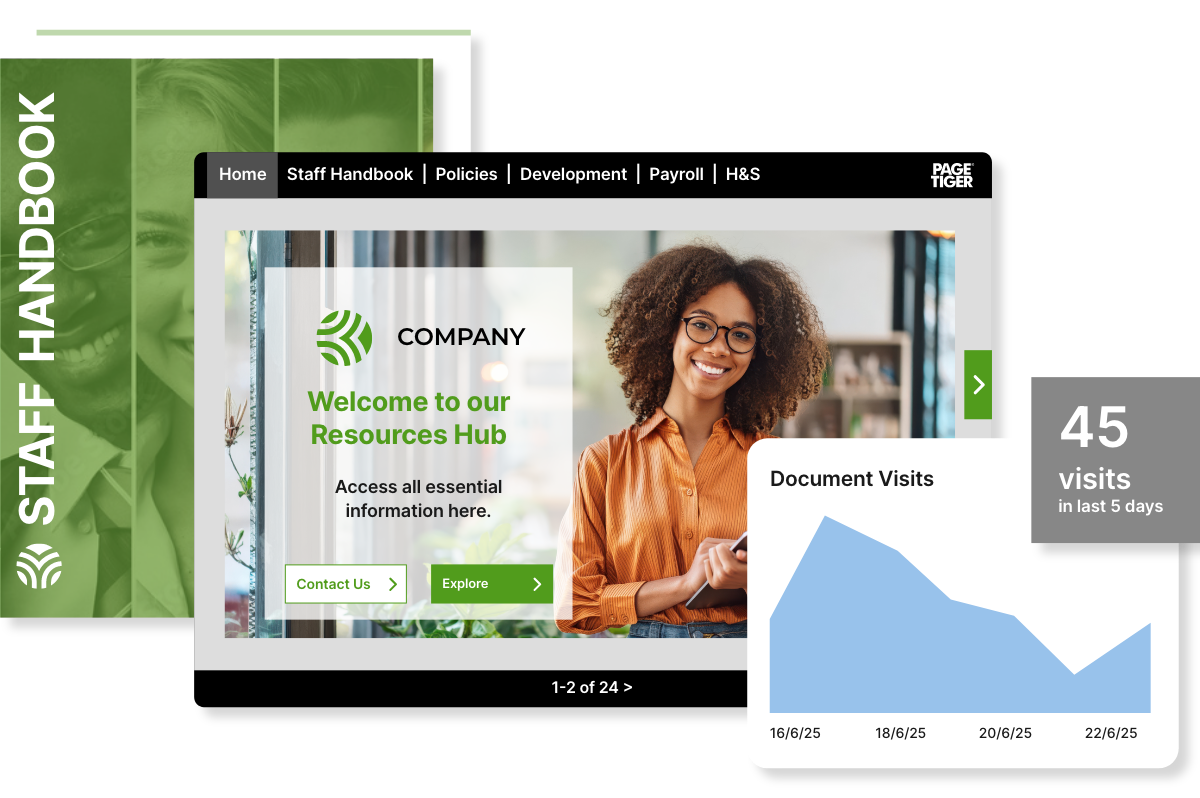
Keep every language version connected, so your audience can switch instantly without downloading or juggling multiple documents.
Communicate globally, with confidence.
Multilingual content for global brand recognition
Creating multilingual content with PageTiger ensures a consistent, high‑quality experience for audiences worldwide.
Brand consistency
Build your document once in its native language, and your brand styling is automatically applied across every translated version.
Applied to the whole experience
All the important elements that shape your content experience, such as interactivity, menus, security settings, accessibility settings, and video subtitles, are included too.
Maintain accuracy
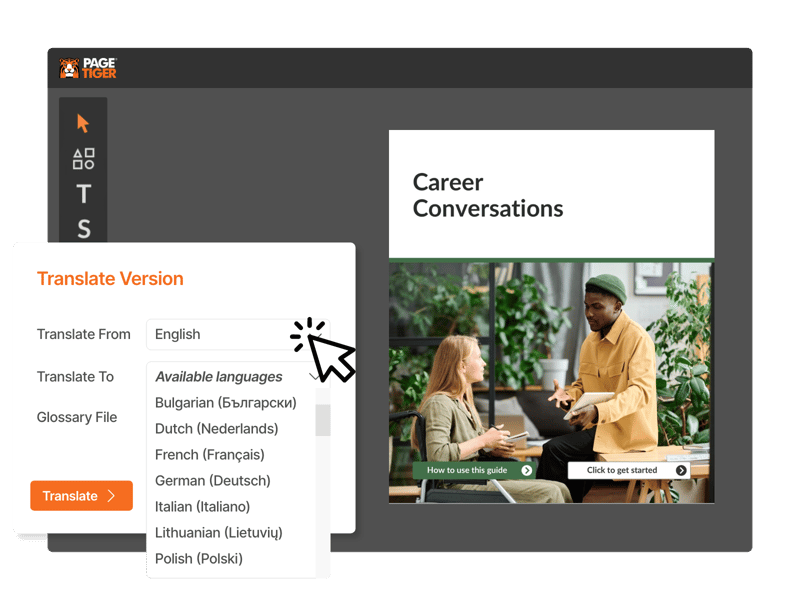
Using a Glossary file ensures key terms, brand names, and technical language are consistent across all versions.

Faster and more thorough reviews
Achieve faster, more reliable translations while keeping your brand’s message consistent. Reviewing each language version keeps your tone, dialect, and message aligned. This helps your content feel authentic for every audience.
Streamlined reviews
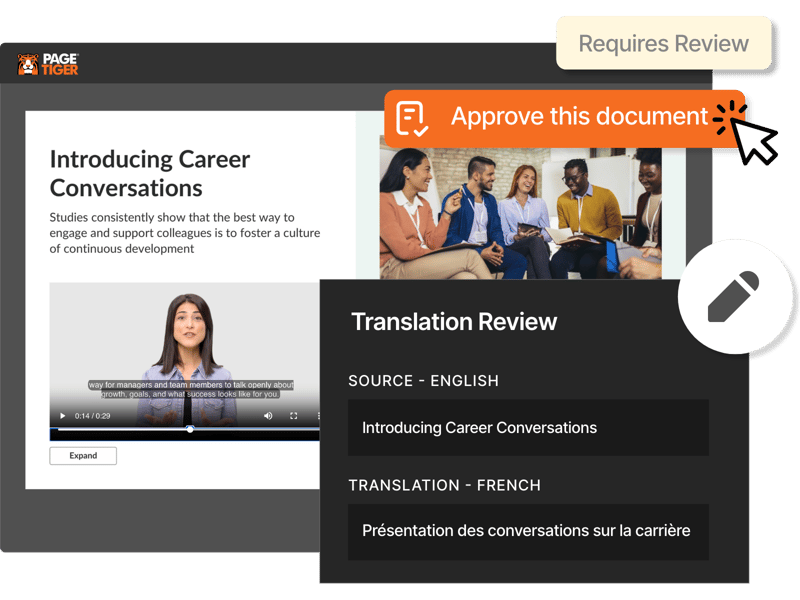
Instantly compare source text and translations side by side, and either edit on the page or flag changes for later. Get automatic alerts if any language version still needs review before publishing.
Secure approval process
When you’re ready for final approval, share a temporary review link. Send it to multilingual colleagues or external teams for quick feedback.

International reach, in a click
Once you've published your document in a different language, sharing it is even easier.
Distribute via secure links
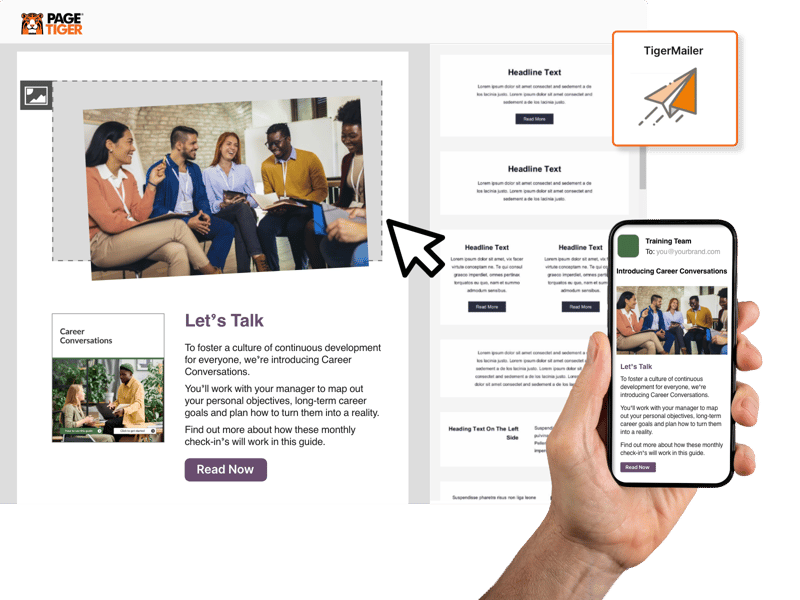
Publish via a live URL or QR code, or send branded emails through PageTiger’s built‑in email platform, TigerMailer.
Flexible for your audience
Your readers can instantly switch between language versions. This helps every audience enjoy a smooth, intuitive experience. They can use their preferred language without saving, downloading, or navigating multiple copies.

Measure Global Impact in Real-time
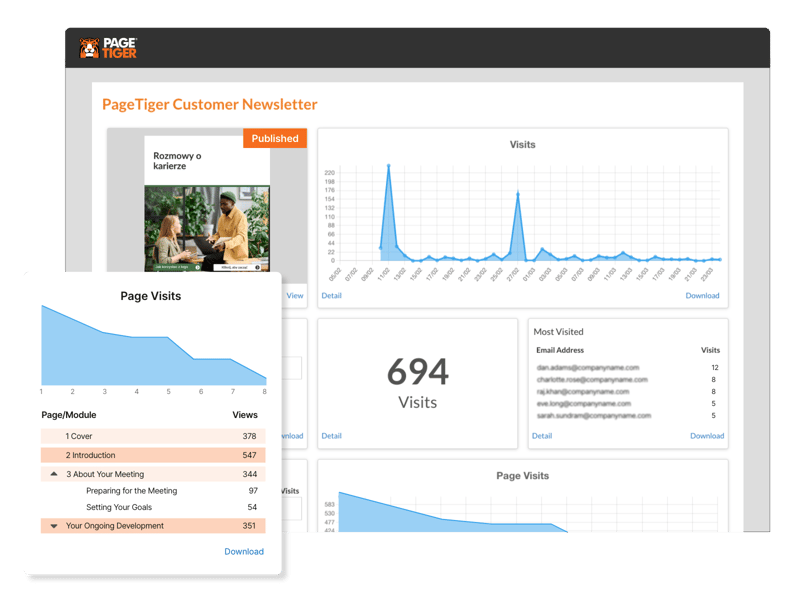
PageTiger’s Analytics provides real-time data insight on how every language version of your content performs.
Monitor performance across languages
Dive into essential engagement metrics, visitor behaviour, page views, and more, to understand exactly what’s capturing attention.
Actionable language insights
With these actionable insights at your fingertips, you can quickly identify your best-performing language versions. You can improve your multilingual strategy. You can create content that connects with every audience.

Connect International Audiences
Build trust with international audiences while boosting your brand’s visibility and credibility worldwide.
Streamlined AI Workflows
Manage creation to distribution without leaving the platform - fewer steps, fewer errors.
Multilingual Experiences
Translations will not be applied only to written content in a document; they will also be applied to interactive elements and menus.
Translate AI Avatars
Add a translated script, and set the language and accent your presenter needs to talk in.
Version control
Effortlessly manage all language versions, with clear oversight and secure distribution so each audience gets the right content.
Translate with XLIFF
You have the option to use a third-party translation service or using XLIFF (XML Localization Interchange File Format) .
LMS Integrations
Connect your translated documents to your LMS to track learner engagement worldwide.
Seamless Navigation
Keep every language version connected, so your audience can switch instantly without downloading or juggling multiple documents.
Taking Your Content Global
Whether you're keeping internal teams connected or communicating with customers across the globe, PageTiger makes multilingual communications simple. From onboarding and training new starters abroad or expanding your brand internationally, PageTiger will ensure your message always lands exactly as intended in every market.
HR
Onboarding, employee handbooks, internal newsletters, employee hubs, policies and more.
L&D
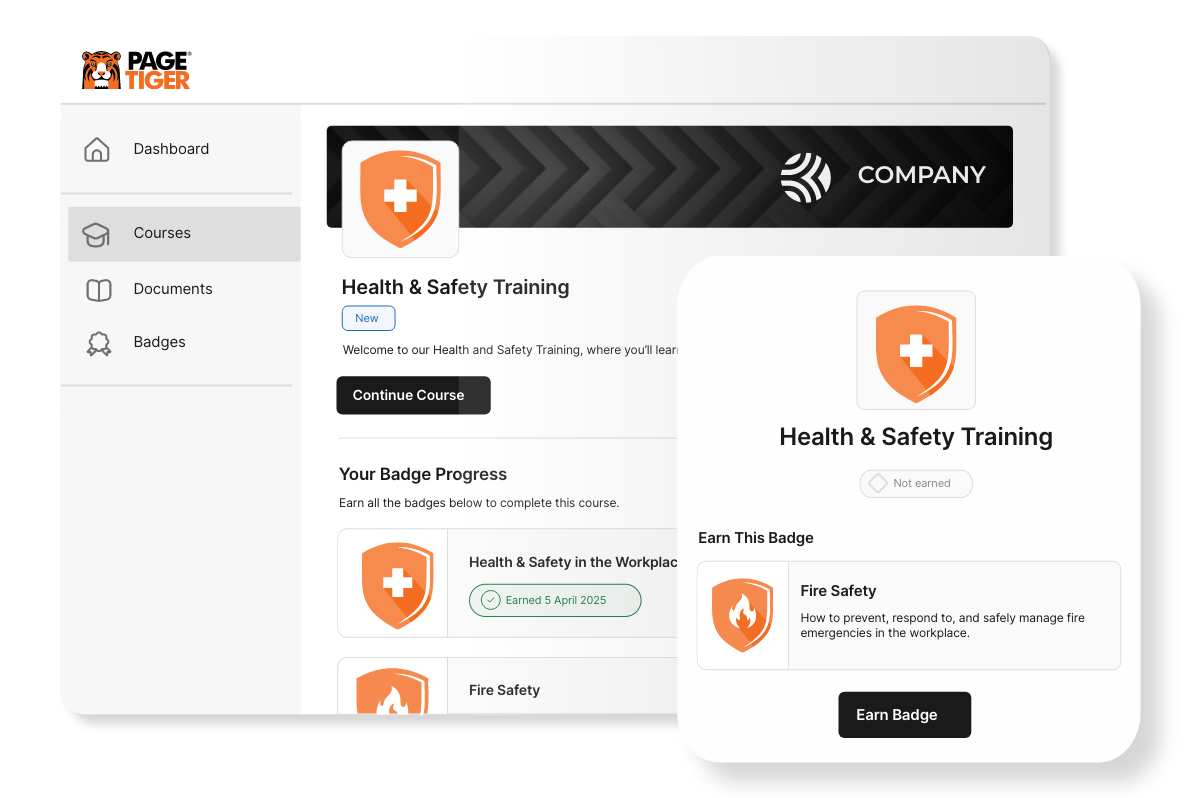
Courses, training, assessments, quizzes, LMS integration and more.
Marketing & Sales
Brochures, magazines, sales decks, presentations, white papers, and more.
Recruitment
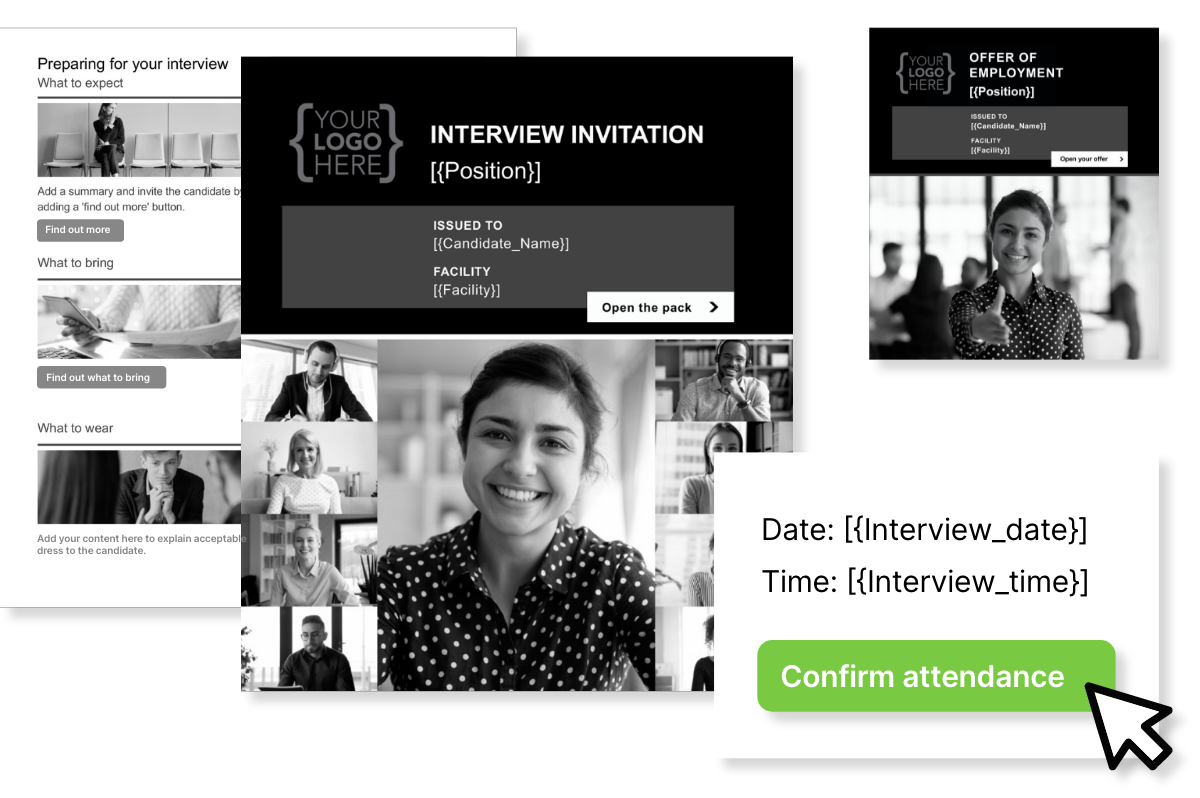
Job specs, candidate guides, offer letters, company prospectuses, and more.
Connect documents to your LMS
Connect your translated documents to your LMS to track learner engagement worldwide and uncover learning patterns across different regions. With PageTiger’s integrations, you can send data in real time, improve efficiency, and automate workflows by sending instant event‑based updates directly to your learning systems.
xAPI
Centralise learning data from multiple tools, analyse performance, and build tailored learning journeys.
LTI 1.3
Securely connects LMSs with external tools and apps. It lets users launch learning tools directly. It also lets those tools send back data, like grades and completion status.
Webhooks
PageTiger can notify other systems, like LMS, HRIS, ATS, or CRM, when actions occur on a PageTiger document. These actions include visits, page views, interactivity, or assessment completions.
SCORM
Track basic learning data, with learning content packaged, launched and tracked inside an LMS.
Trusted by global leading brands
Why our customers love PageTiger for creating content for international teams and audiences.
"The PageTiger Toolkit has been so well received by our European retailers that they've told us the format, blending of product and sales process content, should be second nature for all future launches."
"PageTiger has transformed our global approach to learning communication, expanding our reach to colleagues worldwide and has made such a positive impact on our learning culture absolutely worth the investment."
“PageTiger is so user-friendly and intuitive that I was confidently able to teach myself how to use the platform. Launching the new digital Capri Global Operations newsletter was seamless from design to distribution.”
Have any questions?
What is Translations in PageTiger?
With PageTiger's AI Translation Suite, you can create and manage multiple versions of the same document in different languages - all linked and managed from one place.
How do I translate my documents in PageTiger?
To translate your document in PageTiger, simply create it in your native language and then generate a new version using one of the available translation options.
Before publishing, you're encouraged to review the translated version to ensure the messaging, tone, and layout remain accurate and consistent.
What languages are available?
Currently, over 30 language translations are available in PageTiger. The number available to you depends on package with PageTiger.
How do I know if the translation of my document is accurate?
PageTiger has a built-in review process, allowing you to compare translations side by side against the original document. This makes it simple to flag or make edits to ensure you’re confident with the accuracy of your translations. Temporary links of your documents are also available to send to multilingual colleagues for reviews and approvals.
Can I track how each translated version is performing?
Yes. PageTiger Analytics provides comprehensive insights into:
- Visitors
- Page views
- User engagement and interactivity
This helps you understand which which language versions are engaging the most.
Can I have multiple language translations of one document?
Yes, create multiple language versions of a document and manage all of them within PageTiger. You can translate as many languages are available on your plan.
Am I charged per translation?
No, PageTiger doesn’t charge per translation. Your available languages depend on your package, with optional bolt‑ons for more.
Can I still use my existing translation tools?
Yes, you have the option to translate outside of PageTiger using XLIFF; but you will still need the Translations feature for this integration.
Will my AI Avatar be translated?
PageTiger allows you to upload a translated script and select the appropriate language and accent for your AI Avatar to speak in.
Automated translations will include video subtitles, but your Avatar’s voice will remain in the original language until you update the script and language settings.
Translate smarter. Publish faster. Engage everyone.
Want to see how simple multilingual content can be?
To see how quick and easy it is to create, translate, distribute and track multilingual documents in PageTiger, book a no-obligation demo.
Register your interest here.
CASE STUDIES