
Page Libraries are available on Enterprise plans. To find out more about upgrading to access this feature, please contact your Customer Success Manager.
The first step to using Page Libraries is to create a new one.
-
Select 'Documents' from the main menu, followed by 'Page Libraries'.
-
Select 'Add'.
-
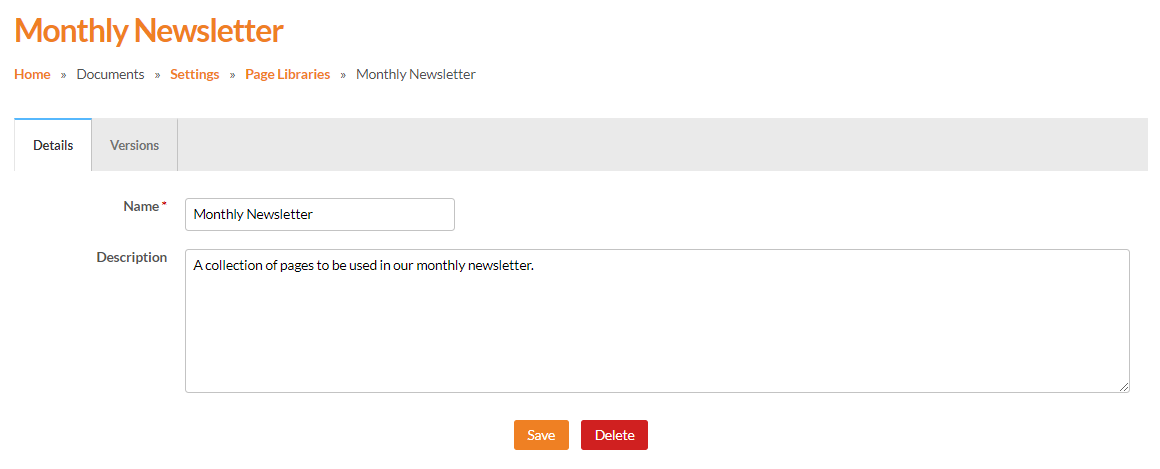
Enter a 'Name' and 'Description' for the Page Library.
Use a descriptive name so it's clear what type of pages the Page Library will contain - for example, 'Monthly Newsletter'.
Read the Page Libraries Guide here.
Next steps
Once a new Page Library has been created, the documents you want to use pages from can be added into it. This gives you a shared set of approved pages to work from, making it easier to reuse content and keep future documents consistent.
For step-by-step guidance, visit How to add document(s) to a Page Library.