Well-designed, accessible documents ensure that everyone, regardless of their abilities, can understand, navigate, and interact with your content. By making your documents compatible with assistive technologies such as screen readers, you help create an inclusive experience where every visitor can fully participate.
Which document types support Modern Accessibility?
Modern Accessibility is available for Layout Library and Fully Editable documents. It is turned off by default, but quick and easy to enable.
How to enable Modern Accessibility
- Navigate to your document.
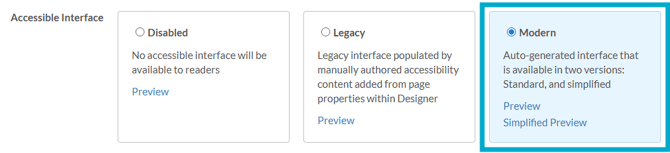
- Select 'Manage Version' for the relevant version, followed by 'Version Settings'.
- In the 'Accessibility Interface' section, select the 'Modern' option.
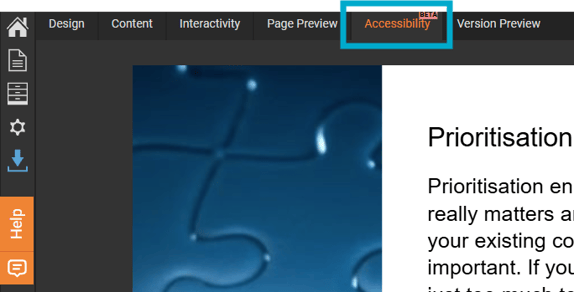
Once enabled, the 'Accessibility' tab will become available in TigerDesigner, giving you access to a range of settings to help make your document accessible to all visitors.
For a full overview of the available settings, see Accessibility: Settings.
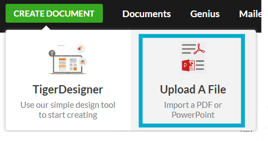
Documents created by uploading a PDF or PowerPoint file do not support Modern Accessibility. Please refer to our Legacy Accessibility guide if you are working with an uploaded file document.