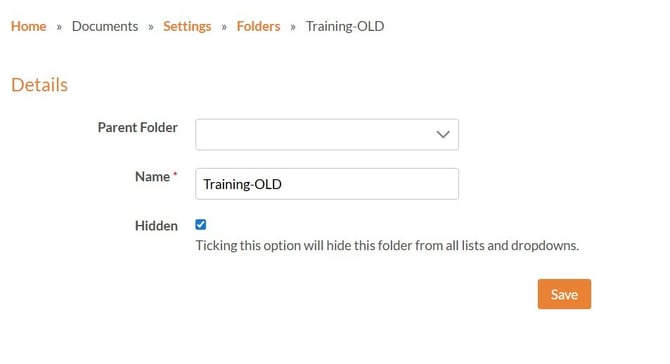
You can set a folder to 'Hidden' if you no longer need to use it. Before you do this, the folder must be empty, with no documents stored in it, you may need to move your existing versions to another folder first.
To hide a folder open the folder in edit mode.
-
Select Documents.
-
Choose Settings from the dropdown.
-
Click 'Folders'
-
Choose Edit for the folder you wish to hide.
-
Select the ‘Hidden’ checkbox and save.
This helps you keep your folder structure clear and focused, while still allowing you to restore the folder later if you need it again.