A thoughtful use of colour can also help key messages stand out, so your more info boxes draw attention to the details that matter most.
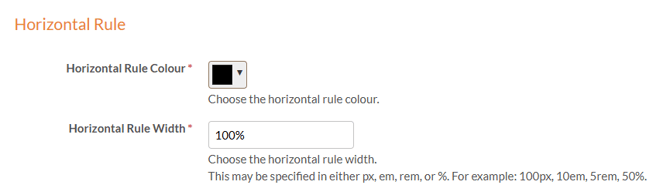
To change the colour of the horizontal line in your more information box, you will need to access the style applied to your document and go to its settings. If this is a shared group style then those Styles cannot be edited. Instead, you can create a custom style from scratch or use the **Copy** option to duplicate the group style and make your own version.
These guides and training video may help with that:
Once your style is created and you are within it's settings, select the 'Pop ups' tab and find the 'Horizontal line' section, where you can choose the colour you want and click 'save'.