
Generate a document QR code to open the most recently created and published version in a document. This option is ideal for materials that are reviewed and updated over time - such as an employee handbook, policy document, or product guide. If a new version is added and published, the QR Code will automatically point to it. This option is a good fit for long-life printed materials like posters, noticeboards, or badges, where you want a single, permanent QR Code to stay accurate no matter how many times the underlying document is revised.
This page focuses on document QR codes - follow this link if you want to create a QR code for a version link.
Document QR Code
A document QR code opens the most recently created and published version in a document.
- Locate the document you want to distribute by selecting 'Manage' next to the desired document from your homepage.
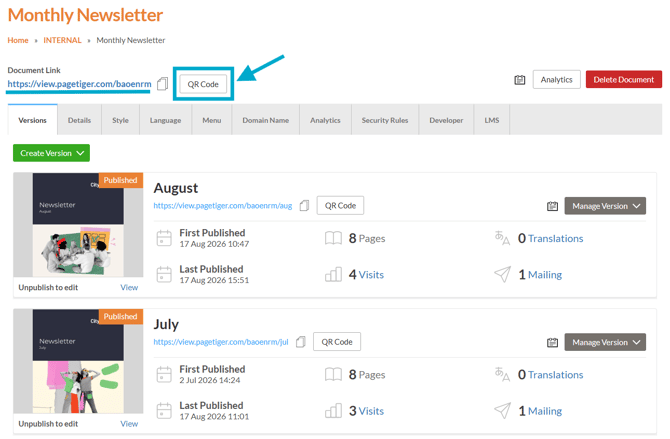
- Select the 'QR Code' button below the document link at the top of the page.
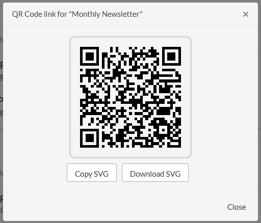
- Once generated, the QR Code can be downloaded and used straight away.
Follow this link for inspiration about how to use a QR Code.
URL changes
One of the main advantages of a QR Code is that it remains valid even after it's been generated. If you rename the document URL, the QR Code will continue to work exactly as expected.
This means you can:
-
Update the document URL at any time, without needing to update printed materials.
-
Avoid sending replacement links to people who already have the QR Code.
-
Skip the cost and hassle of recalls or reprints.