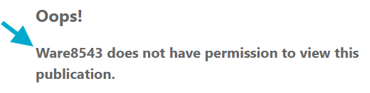
Yes! Expected Visitor Lists (EVL) can be used alongside an Employee Number security rule - it's a useful way to secure documents to a specific, pre-approved group who don’t have an email address.
Create an Expected Visitor List
- Create a new EVL.
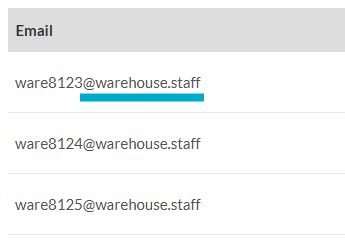
- Add each employee number with the virtual domain appended - for example WARE8123@warehouse.staff.
Create/Edit an Employee Number security rule
-
Create or edit an Employee Number security rule.
-
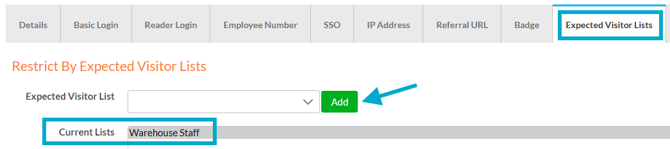
Select the 'Expected Visitors List' tab and choose the required list(s).
-
Save.
Apply the security rule to a document
- Navigate to a document.
- Select the ‘Security Rules’ tab.
- Choose the security rule from the drop-down list.
- Save.
Visitors only need to enter their employee number when logging in - if they're not on the list, they won't be granted access.