
Page Libraries are available on Enterprise plans. To find out more about upgrading to access this feature, please contact your Customer Success Manager.
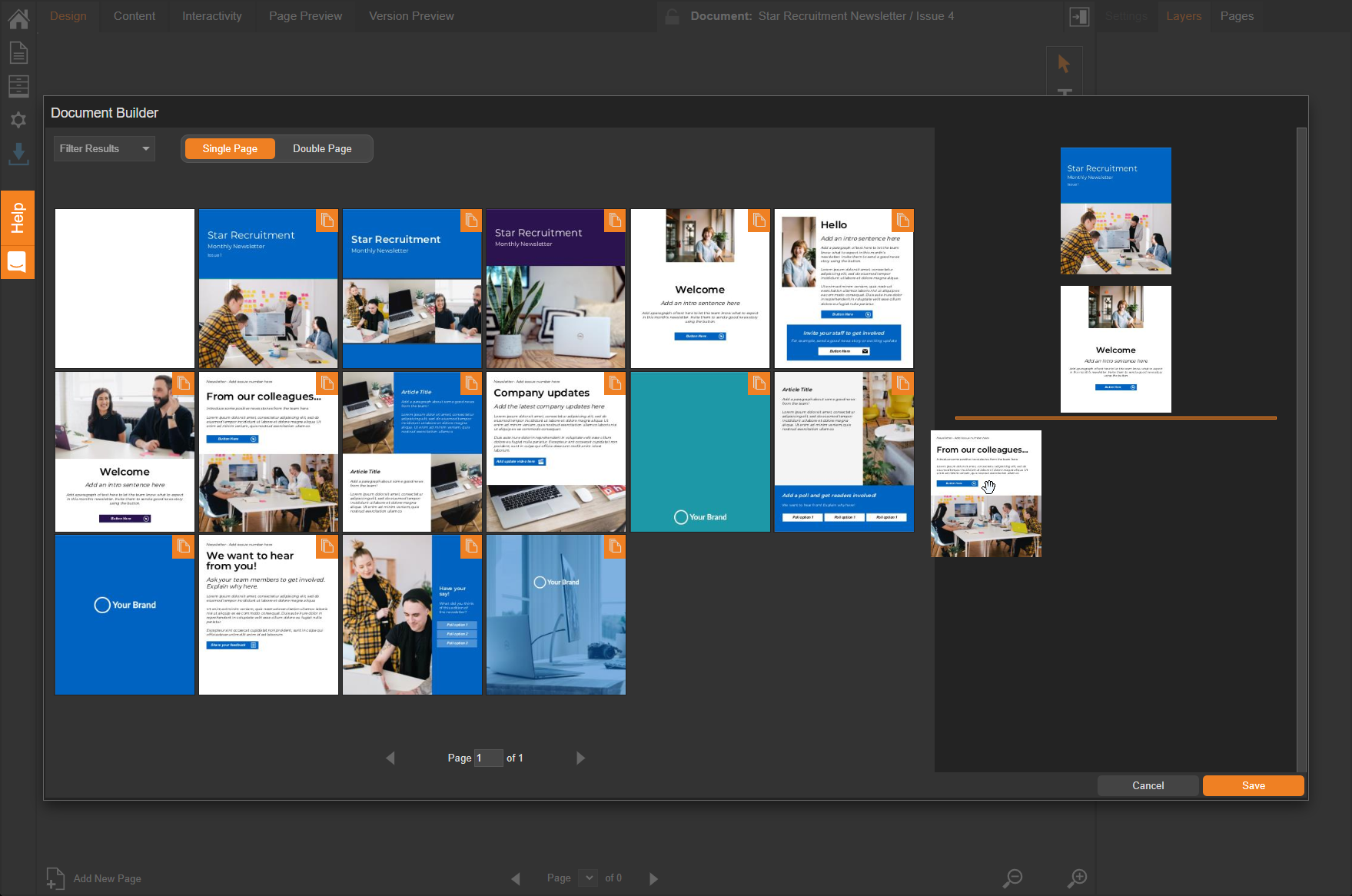
A Page Library is a library you can create that contains the pages from one or more of your documents, providing you with a selection of your own pages to choose from when creating something new.
This can be helpful for you maintain a consistent look and feel across your documents without starting from scratch each time.
Example scenario
Star Recruitment have created different versions of their monthly newsletter (they like to keep things interesting with a mix of page designs and interactivity). However, they would like all of the pages in one place so they can pick and choose which ones to use next time they create a newsletter.
Solution
The solution is to create a Page Library and add each version to it. This means all the pages from each will be available to them when they next create a newsletter - all they need to do is select the 'Page Library' at the creation stage.
Read the Page Libraries Guide here
Next Steps
If you would like to create a Page Library to create new documents with then you can follow step by step guidance within our User Guides.