
You can choose a solid colour or upload an image, then adjust the image alignment and repeat settings to control how it appears around your document.
This is a useful way to customise your document with your brand colours and logo, be wary of taking away from your actual document content
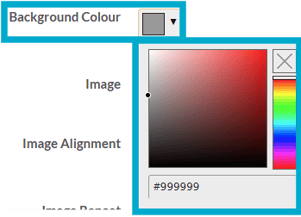
Background Colour
Select a colour for the page behind your document to appear on. You can do this with the drop down colour picker or the hex code.
Image
Choose an image as the background instead of a colour by clicking 'Choose file'.

Image Alignment
Select where you would like your chosen image to appear on your document background.
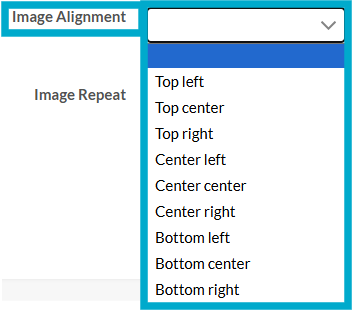
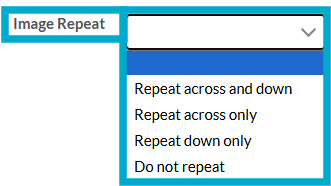
Image Repeat
Select how the image repeats across the document background, if at all.
These guides may also help:
- Style Settings: Document Size
- Style Settings: Toolbar
- Style Settings: Pop ups
- Style Settings: Chart Settings
- Style Settings: Page Turn
- Style Settings: Attract Mode
- Style Settings: Used By
You can see a video walkthrough on creating Custom Styles in the PageTiger Learn Centre -> Training | Custom Styles